Free voice-to-text for Mac, powered by local AI
The voice tool that
Speak naturally. Get polished text. Pasted right where you need it, all without the cloud.
Talk anywhere you type
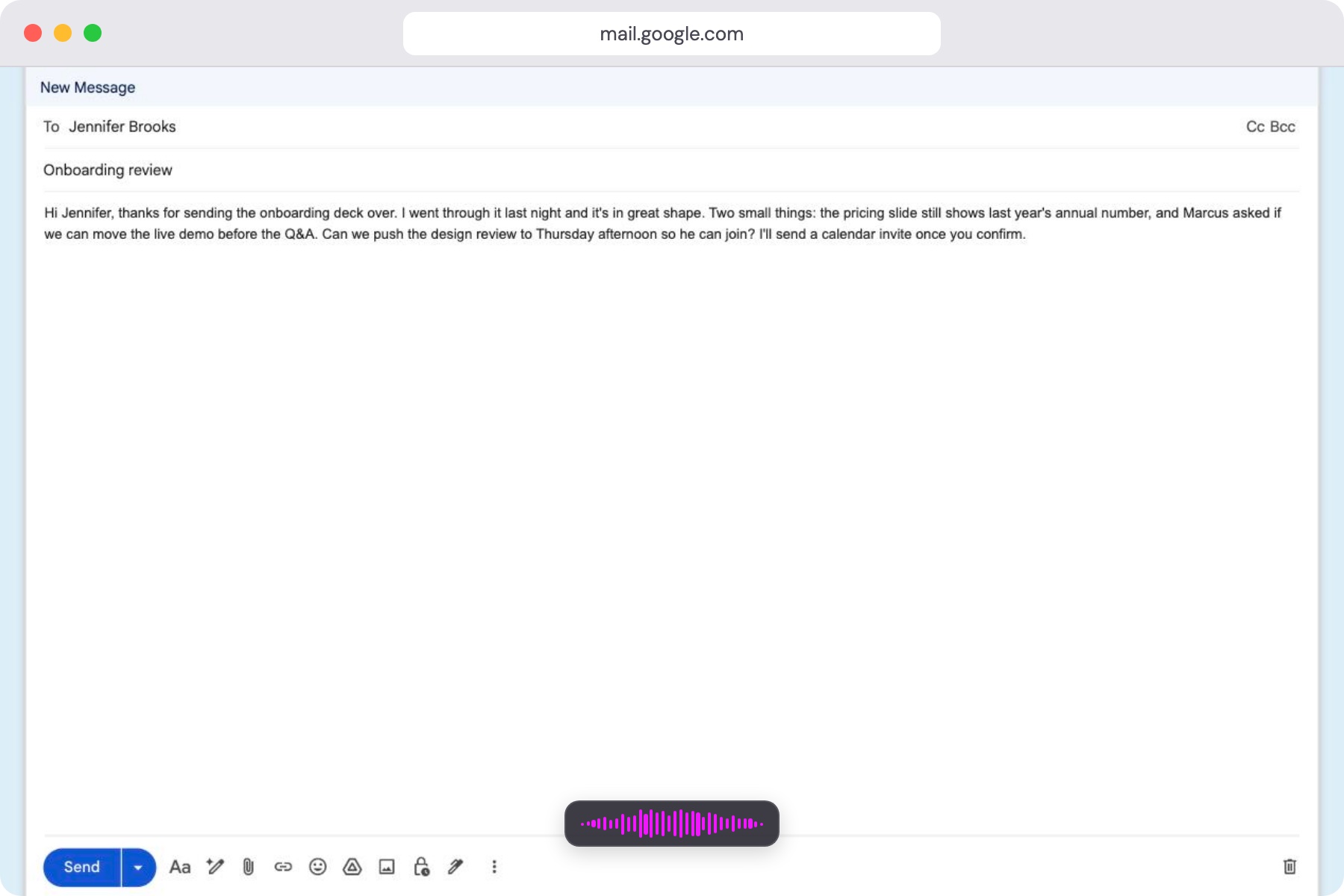
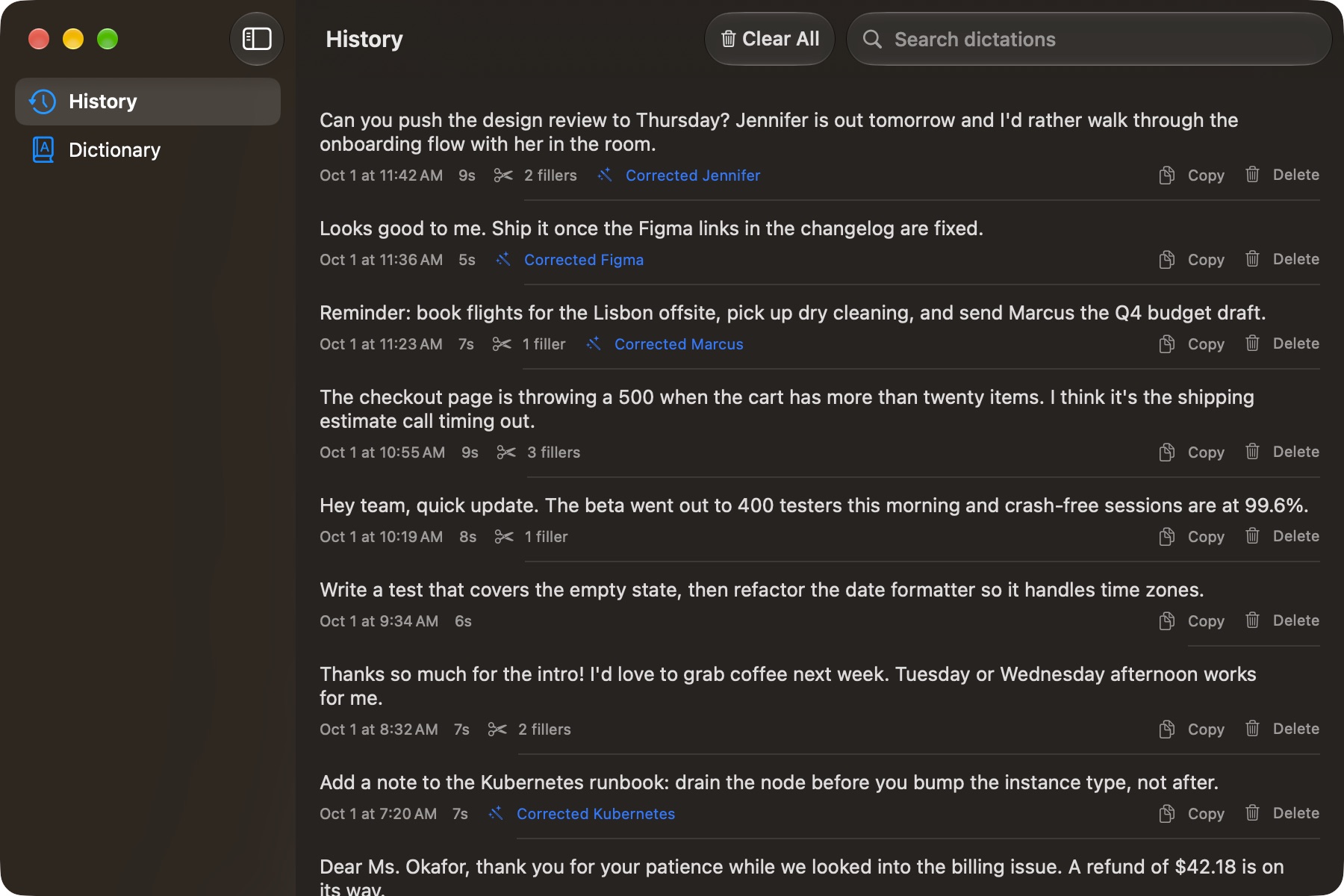
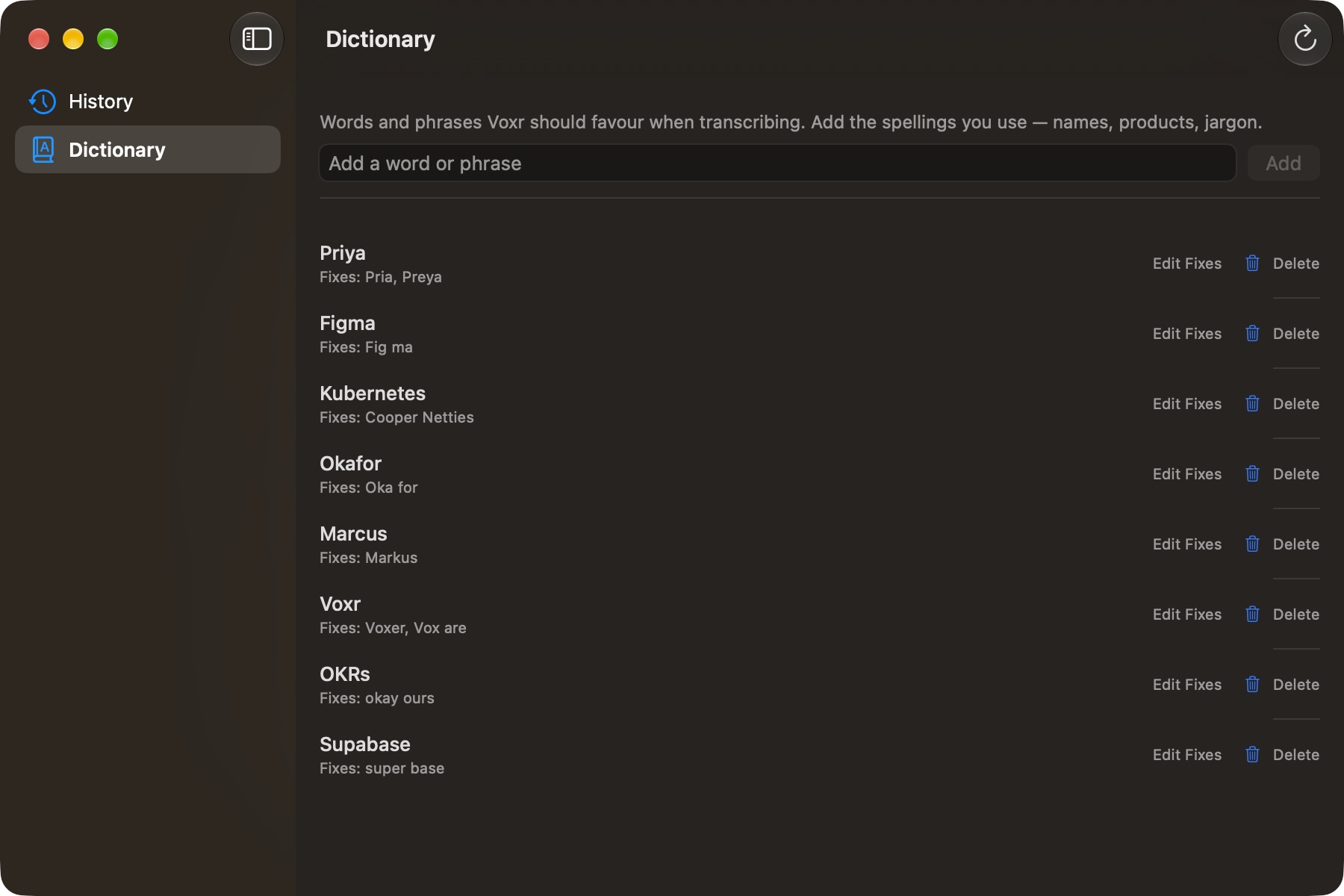
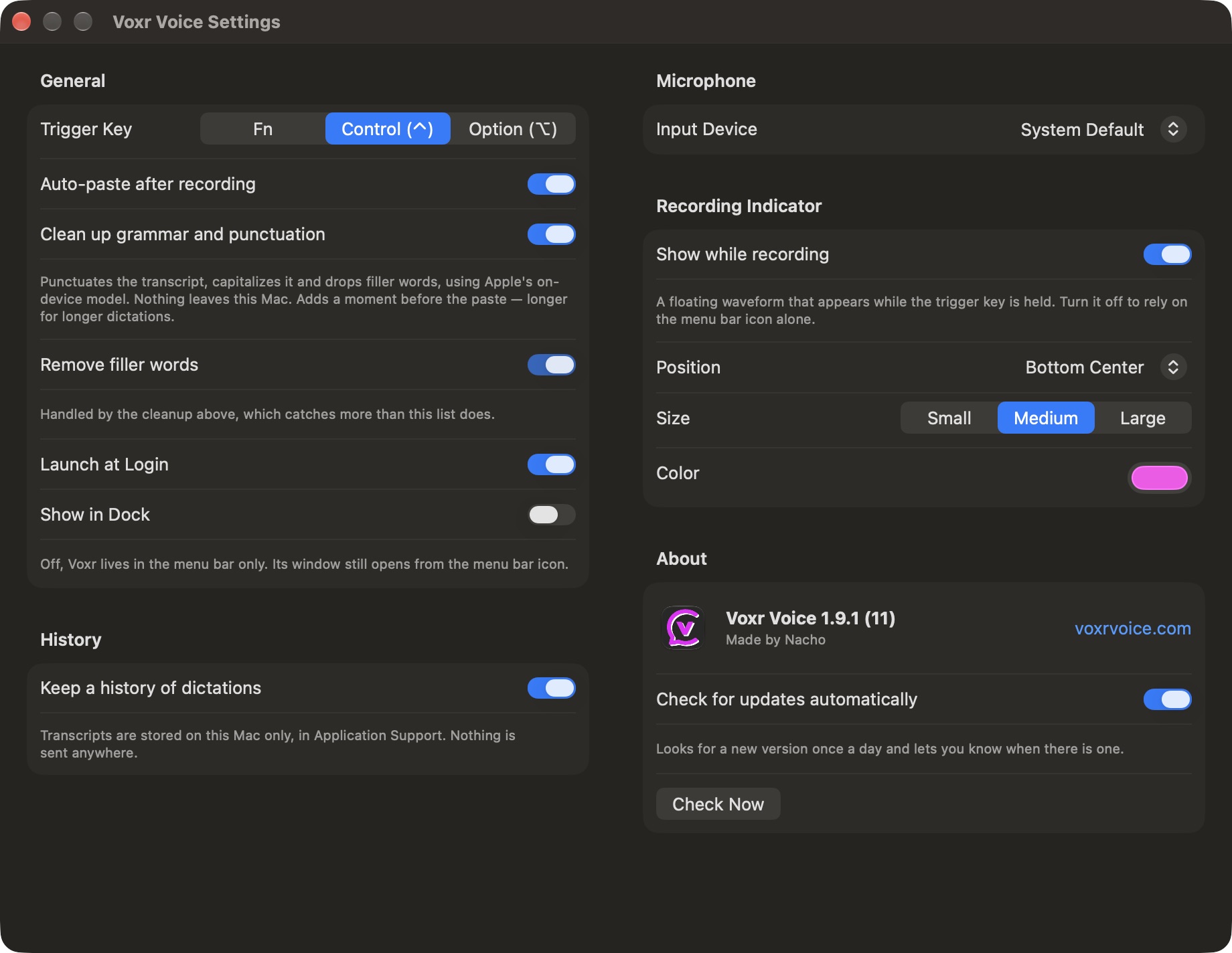
Hold the key in any text field. History, Dictionary and Settings wait in the menu bar for when you need them.
Everything you need,
nothing you don't
Voice to text that respects your privacy and just works
Voice recognition
Uses Apple's built-in speech recognition to capture your words accurately in real-time as you speak.
Local AI processing
Apple's on-device speech model does the transcribing, and your own dictionary fixes the words it mishears. Nothing leaves your Mac.
Instant paste
Processed text is automatically copied and pasted into whatever app you're working in. Zero friction.
Privacy first
No cloud, no telemetry, no accounts. Your voice data is processed locally and never stored or transmitted.
One shortcut
Hold to record, release to process. That's it. Your text appears right where you need it.
Works everywhere
Paste into Slack, email, VS Code, Google Docs, Notes, or any app with a text field.
Works with every app on your Mac
 Slack
Slack VS Code
 Gmail
Gmail Google Docs
 Apple Notes
 iTerm2
 Discord
 Notion
 Figma
Figma Linear
 Messages
 Xcode
Xcode Safari
 Chrome
 Obsidian
 Cursor
 GitHub
Why rent a server when you own your Mac?
Wispr Flow charges a subscription because your voice is transcribed on their servers. Voxr runs on the chip already in your Mac, so there is nothing to rent and nothing to send.
| Feature |  Voxr Voice Voxr Voice |  Wispr Flow Wispr Flow |
|---|---|---|
| Price | Free | $15/mo for Pro, or $144/yr paid annually |
| Free plan limit | Unlimited | 2,000 words a week on desktop |
| Where your voice is transcribed | On your Mac | Their cloud: “Transcription always occurs on the cloud” |
| Who else handles your words | No one | Wispr and third-party AI providers |
| Training AI on your dictations | Never. Nothing leaves your Mac to train on | Opt-out. Locked off only on Enterprise |
| Works offline | Yes | No |
| Platforms | Mac (macOS 26+) | Mac, Windows, iOS, Android |
Wispr Flow details from wisprflow.ai/pricing and wisprflow.ai/data-controls, checked October 1, 2026.
Up and running in seconds
Install
Download and install Voxr
Speak
Hold the shortcut and talk naturally
Paste
Text appears in your active app
Frequently asked questions
Is Voxr free?
Yes! Voxr is completely free to download and use.
What version of macOS do I need?
Voxr requires macOS 26 Tahoe or later. It transcribes with Apple's on-device SpeechTranscriber, which ships with macOS 26 — that's what keeps dictation local and free.
Do I need an internet connection?
No. Voxr runs entirely on your Mac. Speech recognition and AI processing both happen locally. No cloud, no internet required.
What AI models does Voxr use?
Voxr uses on-device AI to process your transcriptions locally. Your voice data never leaves your Mac.
Ready to use your voice?
Download Voxr and start speaking instead of typing.
Free · macOS 26+